The Ultimate Guide to Paying Your Way Through New Zealand in 2026
Best way of paying in New Zealand while travelling.
New Zealand’s payment landscape is incredibly modern, but as of late 2025 and into 2026, it is undergoing a massive regulatory shift. For a tourist, this means more convenience but also some specific rules around fees and transport that can be confusing.
Here is a deep dive into how to navigate money in Aotearoa New Zealand.
1. The Death of the "Surcharge" (New for 2026)
For years, the biggest annoyance for tourists was the 1.5% to 3% surcharge added when you tapped your phone or used a credit card at a café or small shop.
- The Big Change: As of May 2026, a new government ban on in-store surcharges for Visa and Mastercard transactions is coming into full effect.
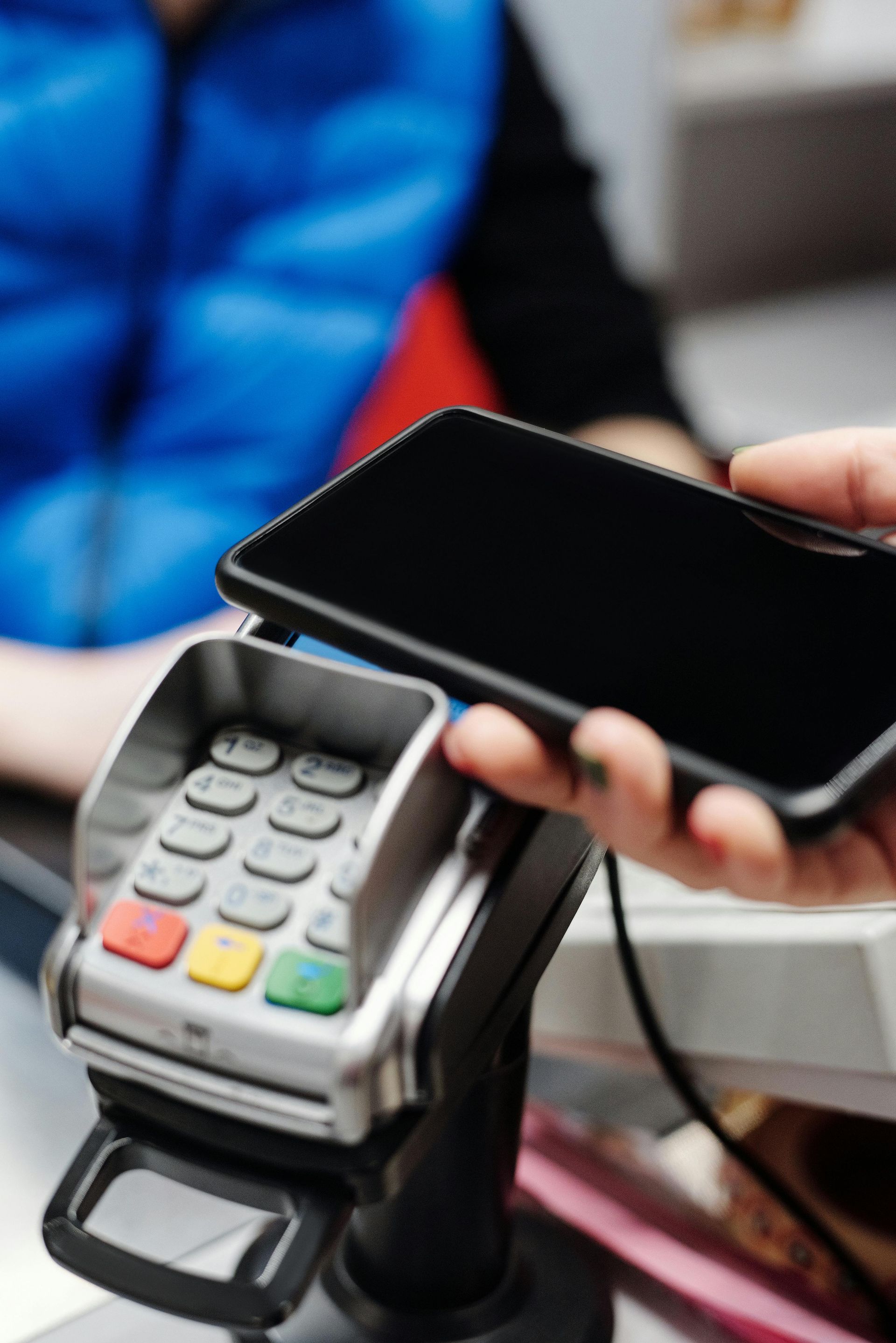
- What this means for you: In the past, you had to carry cash to avoid these fees. Now, at most established retailers and hospitality venues, the price you see on the tag is exactly what you should be charged, whether you tap your phone or insert your card.
- The Exception: Some very small "mom and pop" shops or weekend markets may still only accept "EFTPOS" (local cards) or cash. If you only have an international card, they may still try to apply a fee until the law is fully bedded in across the country.
2. Public Transport: The "Motu Move" Era
New Zealand is currently replacing a dozen different regional bus cards with one national system called Motu Move.
- Auckland (AT HOP): You can now tap on and off all buses, trains, and most ferries using your contactless Visa/Mastercard, Apple Pay, or Google Pay. You don't need to buy a physical AT HOP card unless you want a student or child discount.
- Wellington (Snapper): As of early 2026, Wellington has finally upgraded its readers! You can now use your phone or credit card on Metlink buses and trains.
- Christchurch & Regions: Most of the country is now part of the Motu Move rollout. Look for the white and green readers. You can use your phone/card for adult fares nationwide.
- Important Tip: Always use the same device or card to "tag on" and "tag off." If you tag on with your physical card and tag off with your Apple Watch, the system sees them as two different people and will charge you two "penalty" fares.
3. "EFTPOS" vs. "Credit": The Button Choice
When you insert your card into a machine, it might ask you to select an account: CHQ (Cheque), SAV (Savings), or CRD (Credit).
- If you are a visitor: Always select "CRD" (Credit).
- In New Zealand, "EFTPOS" refers to a specific local debit network that international cards cannot access. If you press "Savings" or "Cheque," your transaction will likely be declined, even if it’s a debit card. Selecting "Credit" tells the machine to use the global Visa/Mastercard network.
4. Open Banking & QR Payments
You may start seeing QR codes at checkout counters, often branded as "Pay by Bank" or "Scan to Pay."
- Can you use them? Usually, no. These are part of New Zealand's new "Open Banking" system (launched Dec 2025) which connects directly to local NZ bank accounts to bypass card fees.
- As a tourist, stick to the card terminal. These QR systems are designed for locals with accounts at banks like ANZ, ASB, BNZ, or Westpac.
5. ATMs and the "DCC" Trap
New Zealand ATMs are everywhere, but they are expensive for tourists.
- Fees: Expect to pay $3–$5 NZD per withdrawal, charged by the local bank, on top of what your home bank charges.
- The DCC Trap: The ATM might ask: "Would you like us to convert this to your home currency (USD/GBP/EUR) for you?" Always say NO. * This is called Dynamic Currency Conversion (DCC). The exchange rate offered by the ATM is almost always terrible. Choose to be charged in NZD and let your own bank handle the conversion.